 Folio Writer
Write your paper or thesis in Folio Writer
— set up in 10 minutes
From empty app to a compiled, typeset PDF with citations. Everything below works in the free tier except the final compile step (part of the one-time Pro unlock, free to try for 7 days).
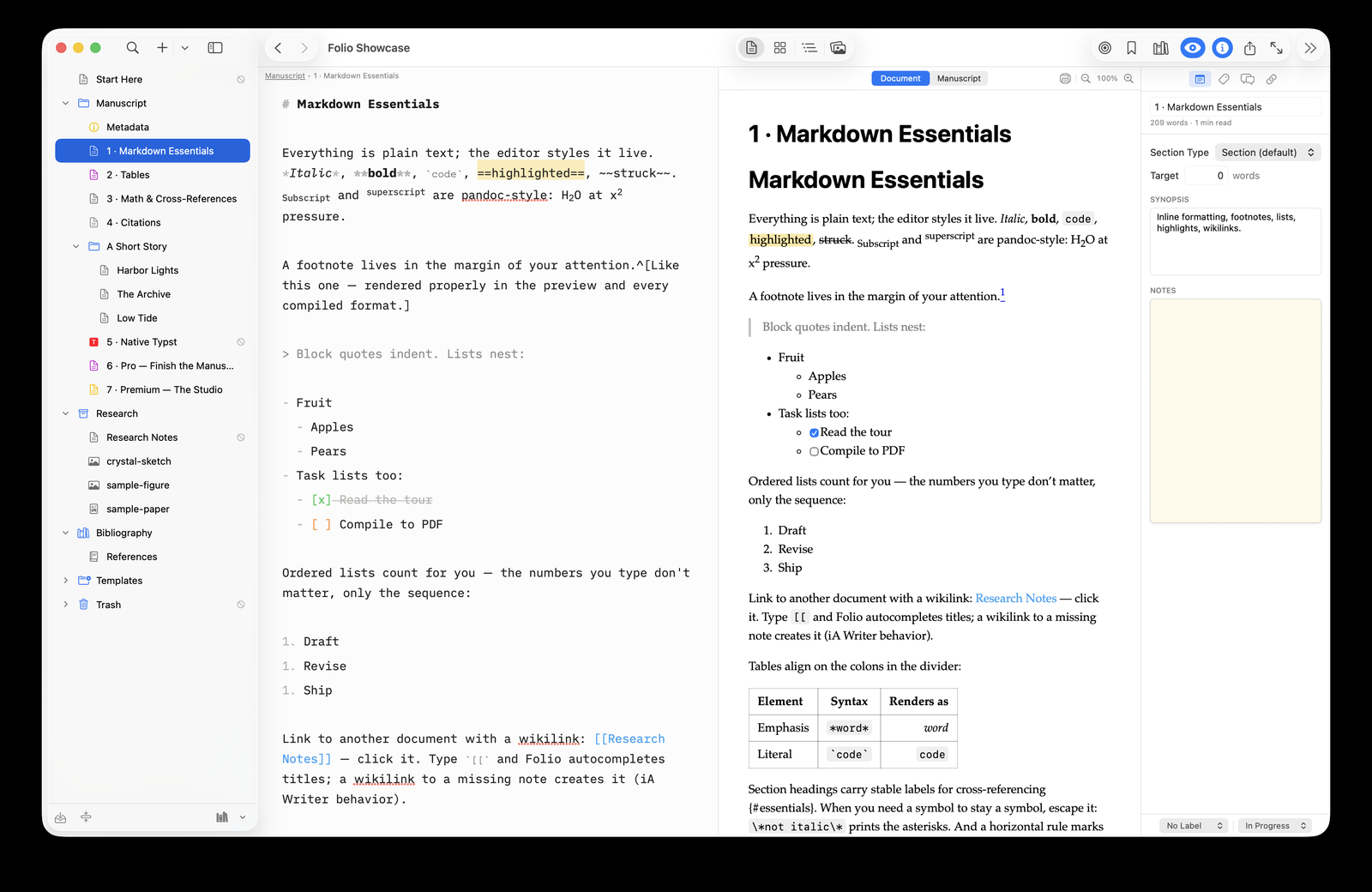
1 · Create the project
- File ▸ New Project… (⇧⌘N) and pick a template — Journal Article (IMRaD) for a paper; a thesis works the same way with chapters as folders.
- Write into the sections the template created. Each binder document is
a plain
.mdfile inside the project folder — readable anywhere, git-friendly, future-proof. - Reorder by dragging in the binder, corkboard, or outline. Folder and document titles can become your numbered headings at compile time, so the binder is the outline.
2 · Attach your bibliography
- Export a
.bibfrom Zotero, BibDesk, or your reference manager (or pull references straight from Zotero with Premium — see the Zotero guide). - Click the books icon at the bottom of the binder and select the file
— or just keep
.bibfiles in the project's Bibliography folder; they merge automatically.
3 · Cite as you write
Spin pairing occurs near 50 GPa [@lin2005; @badro2003].
@tsuchiya2006 predicted this with LDA+U.
[see @badro2003, p. 42] adds a locator.
Typing @ autocompletes by author, year, and title, and
citations render inline as you write — e.g. (Lin 2005; Badro 2003).
A formatted reference list appears automatically in the preview and in
every compiled format. Math works the same way: $E = mc^2$
typesets live in the editor.
Cross-references: label figures, tables, and
equations with
@fig:xrd, @tbl:eos,
@eq:bulk — they're numbered for you at compile time.4 · Compile
- Press ⇧⌘E, choose a format — PDF, Word (.docx), LaTeX, Typst, EPUB, or HTML.
- For PDF, the lightest path is the Typst renderer: install
one small binary (
brew install typst) plus the free Folio Helper, and you get LaTeX-quality pages in about a second — no TeX distribution. Prefer the classic pipeline? Install pandoc and a TeX distribution and pick xelatex instead. - Pick a citation style: any CSL style from the Zotero style repository — set once per project.
- Click Compile. Title page, numbering, cross-references, and the bibliography are handled for you.
Your committee wants Word? Compile to .docx. A
reviewer sent edits back in Word? Import Review brings their tracked
changes in as proposals you accept or reject one by one (Premium).
That's the loop
Draft in small sections, cite with
@keys, compile whenever you want to see typeset pages. Your
manuscript stays a folder of plain files in your own iCloud or Dropbox —
and the free iPhone/iPad app edits the same project on the go.