 Folio Writer
Journal-exact submissions
with living figures
Two things usually happen in the last week before submission: the manuscript gets forced into the journal's template, and the figures get frozen into whatever state they were in that day. This guide combines two Folio Writer workflows so neither happens — the journal's exact layout from a Quarto extension, with figures that regenerate from your data at every compile, right up to the moment you upload.
Step 1 · Add the journal's extension
Quarto's journal extensions are publisher-maintained templates — AGU, Elsevier, Copernicus, and a growing list. Install one into the project, in Terminal:
cd /path/to/YourProject      # the folder with folio.json
quarto add quarto-journals/agu
This creates an _extensions/ folder inside the project —
which means the template travels and syncs with the manuscript. A
co-author who opens the project has the journal format too, no setup.
Step 2 · One line selects the journal
In the Metadata document (or Compile ▸ Format metadata), add:
quarto-to: agu-pdf
Compile with Renderer = Quarto, Format = PDF. Folio Writer
renders --to agu-pdf, passes your structured authors,
affiliations, and ORCIDs through untouched for the journal template to
consume — and strips the generic layout keys (geometry,
fontsize, documentclass…) that would fight the
journal class. Your everyday compile settings don't contaminate the
submission.
Step 3 · The journal's own metadata
Each extension adds a few keys of its own — check its
template.qmd on GitHub. For AGU:
citation:
  container-title: "JGR: Solid Earth"
plain-language-summary: |
  One paragraph for non-specialists.
key-points:
  - Up to three statements, ≤140 characters each.
These live in the Metadata document like everything else — plain YAML, in the project, under version control.
Step 4 · Figures that stay alive inside the template
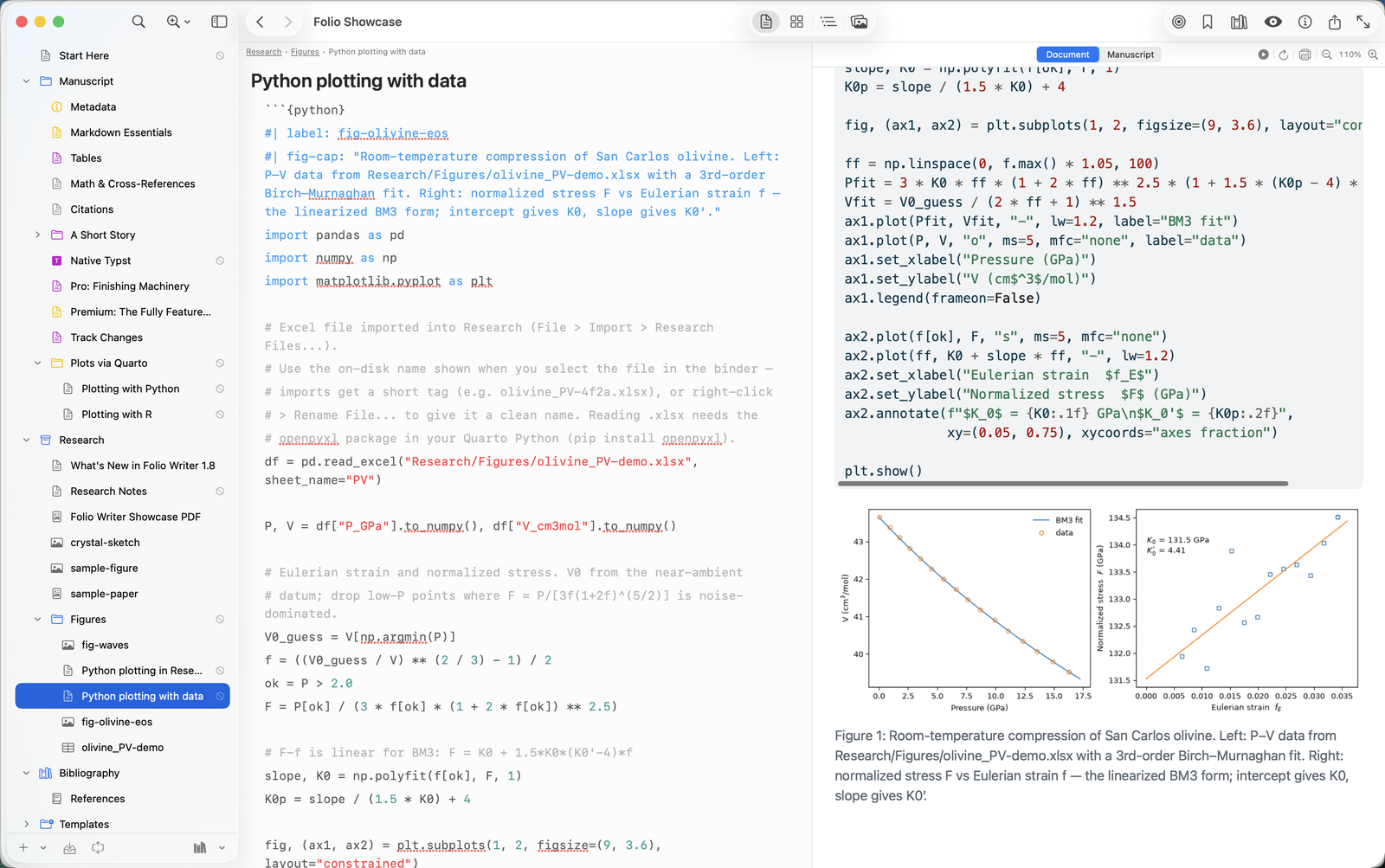
Because the journal render is a Quarto render, your executable cells run in it: every compile re-reads the data, re-fits the model, re-draws the figure — inside the journal's own float layout, caption style, and numbering. Two options do the fitting-in:
```{python}
#| label: fig-eos
#| fig-cap: "Compression curve with third-order Birch–Murnaghan fit."
#| fig-width: 5.6        # match the journal's text width
#| echo: false           # journals want figures, not code
...
```
Reference it as @fig:eos in your text like any figure —
Folio Writer translates to Quarto's native syntax at compile, so the same
manuscript still renders through pandoc/LaTeX when you need a plain
build.
Step 5 · Ship both artifacts
- Format = PDF — the journal-exact PDF for review and for your co-authors.
- Format = LaTeX — the
.texmost submission systems actually want, produced by the same extension from the same source. Figures are included as generated.
Why this combination matters
Separately, each half saves an afternoon. Together they change what a submission is: a folder of plain files — text, data, analysis code, and the journal template — that deterministically produces the exact artifact you uploaded. Rerunnable by a co-author today, by a student in five years, by you during the revision. That's not a convenience; it's reproducibility as a side effect of how you write.