 Folio Writer
One manuscript, four engines:
Markdown, pandoc, Quarto & Typst
Most writing tools make you choose a format and live with its output. Folio Writer separates the two decisions: you write in plain text once, and choose a rendering engine per compile — because a thesis committee, a journal, and a preprint server rarely want the same thing.
Markdown: the source of truth
Every ordinary document in a Folio project is a plain .md
file — pandoc-flavored Markdown with the scholarly extensions that matter:
[@citations], $math$, footnotes, pipe and grid
tables, @fig:/@tbl:/@eq:
cross-references, task lists, wikilinks. The editor renders it live —
styled headings, typeset math, resolved citations — but the file stays
text you can grep, diff, and open in 2040. Nothing below changes this:
the engines are output choices, not file formats.
pandoc: the universal translator
The default pipeline. Compile stitches your binder into one document
and hands it to pandoc, which produces
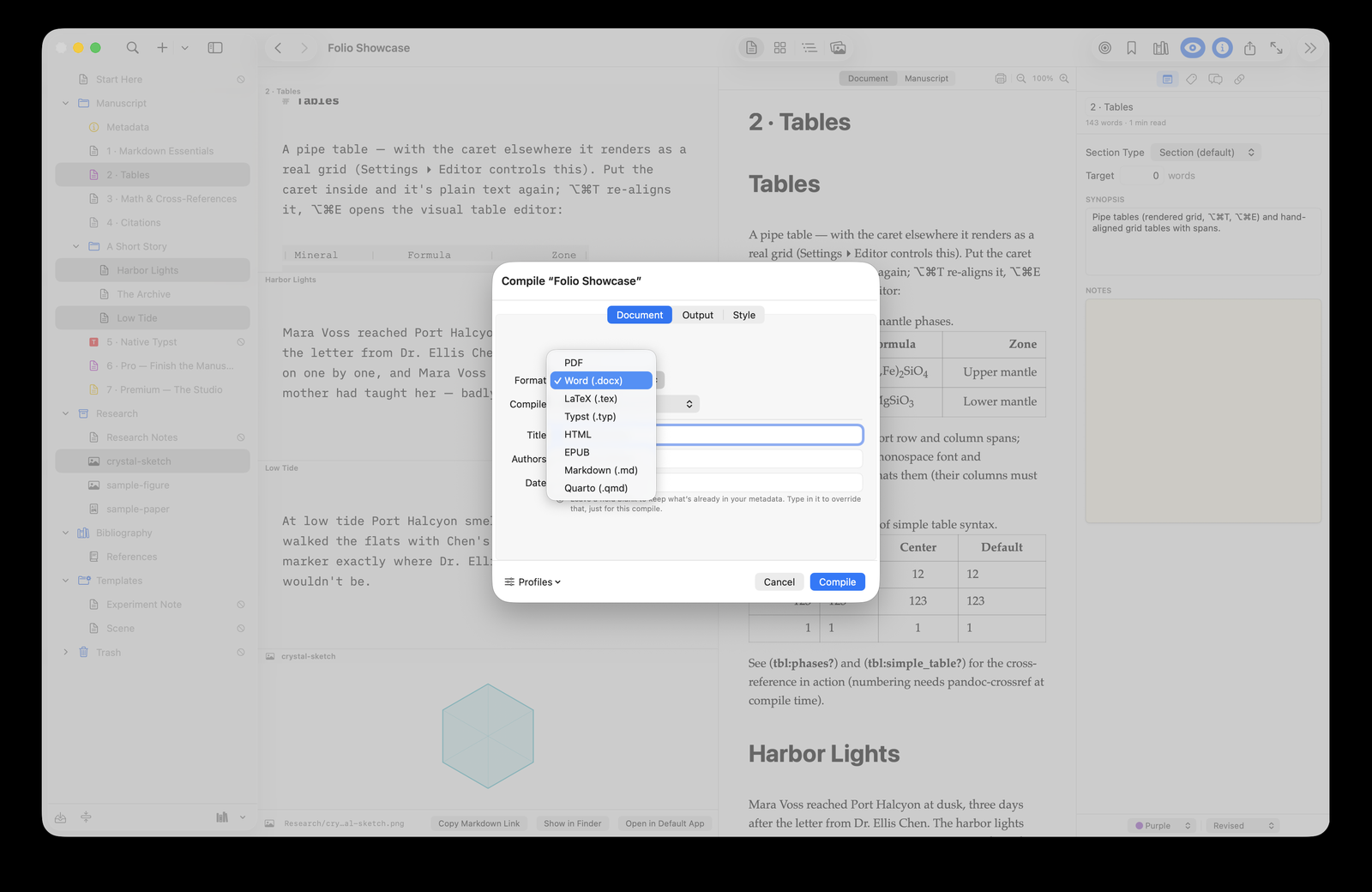
Word (.docx), OpenDocument (.odt), LaTeX (.tex), HTML, EPUB — and, with a TeX
distribution, journal-classic PDF via xelatex, pdflatex, lualatex,
or tectonic. Citations are formatted by citeproc with any CSL style;
pandoc-crossref numbers your figures, tables, and equations.
Folio Writer can also export the stitched, self-contained .md —
pandoc manuscript.md -o out.pdf --citeproc reproduces your
build anywhere, which is the whole point of plain text.
Quarto: journals and executable code
Switch the renderer to Quarto and two
doors open. First, publisher-exact output (see the journal submissions guide): add a journal extension
(AGU, Elsevier, Copernicus…), set one metadata line
(quarto-to: agu-pdf), and compile — Folio Writer passes your
structured authors and affiliations through for the journal template to
consume, and strips the generic layout keys that would fight the journal
class. Second, executable manuscripts: {python} and
{r} cells run at compile time, so figures regenerate from
your data on every build (see
dynamic plotting). Write
@fig:xrd everywhere — Folio Writer translates to Quarto's native
dash syntax automatically, one syntax for both renderers.
Typst: the fast modern typesetter
Typst is what LaTeX would look like if
it were designed today: LaTeX-quality PDFs in a fraction of a second,
with no TeX distribution — Typst is a single small binary
(brew install typst), the lightest road to a typeset PDF by
far. Folio Writer converts your Markdown
manuscript to Typst source (citations, cross-references, numbering, TOC
included) and compiles it; or export the .typ itself and
hand-tune with typst watch. Beyond conversion, Typst is a
first-class document type: create native .typ
documents in the binder — custom tables, precise figure placement,
#show rules — and mix them with Markdown chapters in one
project, compiled together.
Which engine when?
| You need | Use |
|---|---|
| Word file for your committee or co-authors | pandoc → .docx (tracked changes supported) |
| OpenDocument for LibreOffice / OpenOffice | pandoc → .odt (math as native ODF formulas) |
| A beautiful PDF with minimal setup | Typst renderer (brew install typst — no TeX needed) |
| Journal-exact submission (AGU, Elsevier…) | Quarto + journal extension |
| Figures generated from data at compile | Quarto + {python}/{r} cells |
| LaTeX source for a submission system | pandoc or Quarto → .tex |
| Precise typographic control by hand | Native .typ documents / .typ export |
The through-line
Four engines, one principle: the manuscript never belongs to the renderer. The same folder of plain files can produce a committee's Word document on Monday, a journal's LaTeX on Wednesday, and a Typst-typeset preprint on Friday — and if you leave Folio Writer someday, every one of those files still opens, still reads, still compiles.